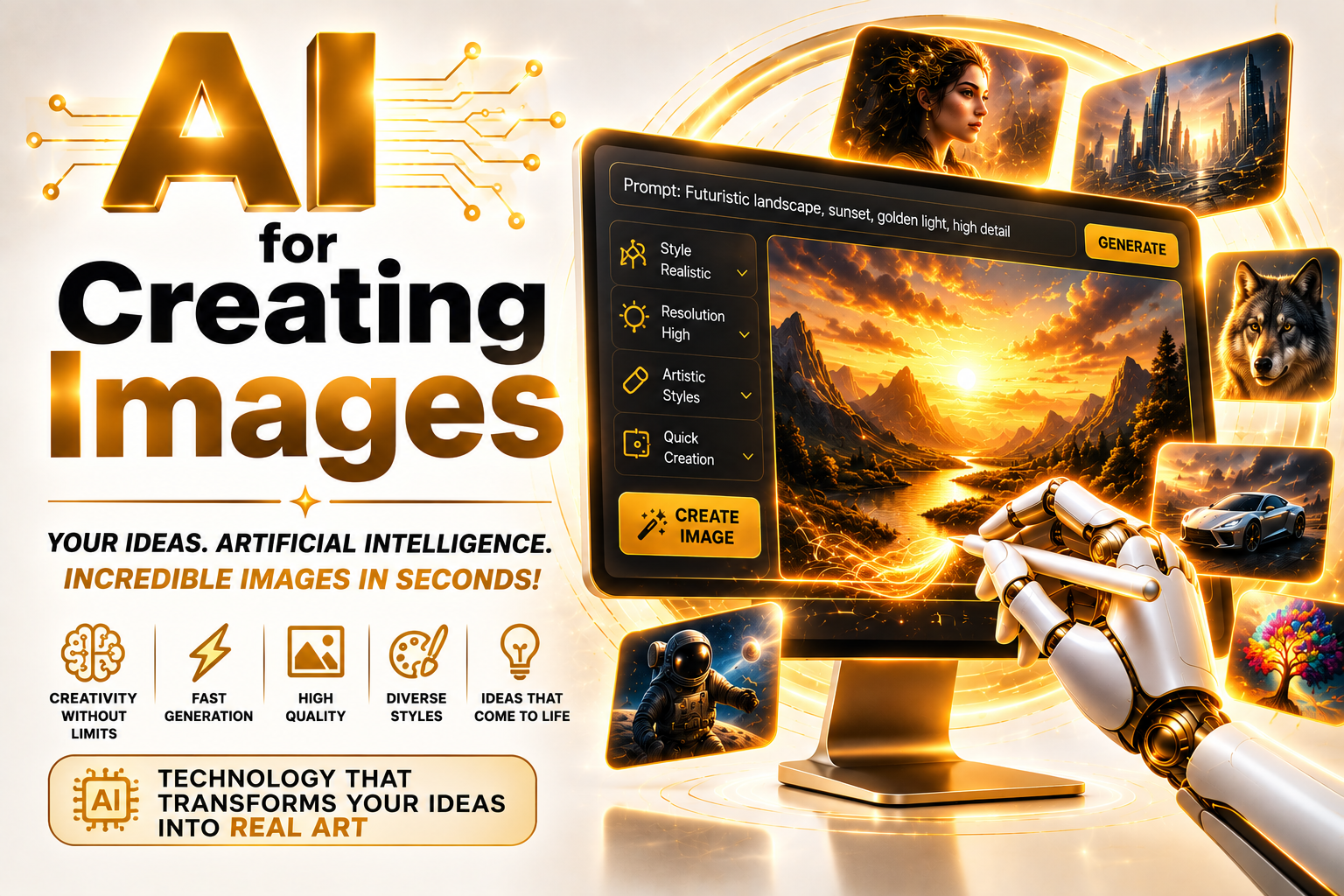
1. How AI Image Generation Actually Works
Today's leading image generators (Midjourney, DALL-E, Stable Diffusion, Adobe Firefly, among others) are, at their core, diffusion models: the system learns to progressively "remove noise" starting from a text description until it lands on a coherent image. That's very different from a stock photo library pulling up an existing picture — the generated image never existed before the prompt; it's assembled pixel by pixel from visual patterns the model learned during training.
Understanding that principle changes how you should write a prompt. Since the model is reconstructing an image from noise guided by text, it responds far better to concrete, visual descriptions (composition, lighting, angle, style) than to abstract concepts — "a beautiful, creative image" gives the model almost nothing concrete to work with.
2. Comparison: the Leading AI Image Generation Tools
There's no single "best" tool in absolute terms — there's the right tool for the kind of result you need. Photorealism, stylized art, safe commercial use, and fine-grained control over composition each call for a different tool.
| Tool | Strong point | Limitation | Best for |
|---|---|---|---|
| Midjourney | Impressive aesthetic quality and composition even from simple prompts | Lower precision at following exact technical instructions (text in the image, exact object placement) | Concept art, cover art, illustration, mood boards |
| DALL-E (via ChatGPT) | Follows natural-language instructions more faithfully, conversational editing | Aesthetics sometimes less refined than Midjourney for stylized art | Fast iteration, conversational edits, text embedded in the image |
| Stable Diffusion | Runs locally, open source, full technical control (custom models, ControlNet) | Much steeper learning curve, needs decent hardware to run locally | Anyone who wants professional-grade control without a monthly subscription |
| Adobe Firefly | Trained only on licensed image data — lower legal risk for commercial use | Less aesthetically flexible than Midjourney for highly creative styles | Corporate use, agencies, anyone who needs legal certainty about training-data provenance |
3. Prompt Engineering: What Separates an Amateur Result From a Professional One
The difference between a generic image and one that looks professionally produced is almost never about the tool — it's about prompt structure. A professional prompt generally describes, in this order: main subject, action/pose, environment, lighting, camera angle, artistic style or photographic reference, and technical parameters (aspect ratio, detail level).
Weak prompt: "a coffee cup on a table, pretty." Structured prompt: "white ceramic coffee cup on a dark wooden table, natural light entering from the side through a window, slightly overhead angle, minimalist editorial photography style, shallow depth of field." The second version gives the model concrete visual references instead of a vague adjective — that's what produces consistency and quality.
Common prompt-writing mistakes
- Stacking vague adjectives ("amazing," "epic," "professional") without describing what actually makes up the scene.
- Ignoring aspect ratio — generating a square image and manually cropping it for social media afterward, losing composition, instead of requesting the right ratio in the prompt from the start.
- Not using negative prompts (in tools that support them) to exclude unwanted elements — deformed hands, illegible text, ghost watermarks.
Best practices
- Generate several variations of the same prompt and pick the best one instead of accepting the first result.
- Use reference images (where the tool supports it) to guide style and composition more precisely than text alone.
- Save prompts that worked well — a personal "prompt library" speeds up recurring work considerably.
4. Copyright and Commercial Use: What's Confirmed and What's Still a Gray Area
This is where the most costly mistakes happen. Every tool has a different policy around ownership and commercial use of generated images, and using one without knowing those rules can lead to anything from a copyright dispute to the platform later revoking your usage license.
Most commercial tools (Midjourney on paid plans, DALL-E via ChatGPT Plus, Adobe Firefly) grant users commercial usage rights to generated images under their respective terms of service. Adobe Firefly was trained exclusively on Adobe's own licensed image library, reducing the risk of disputes over training-data provenance.
Whether an AI-generated image can receive traditional copyright registration is still being defined differently in each country, and court and registry decisions have shifted over time. There's also no definitive international legal consensus on generating images that closely mimic a specific living artist's style — that's already produced active litigation.
5. From Prompt to Final File: Building a Real Workflow
Generating the image is only halfway there. A professional workflow typically runs: generate variations → pick the best base → upscale (increase resolution without losing quality) → manually retouch details the model got wrong (hands, text, symmetry) → final color adjustment for the intended use (print, screen, social media). It's exactly at that retouching and fine-tuning stage that physical tools like a graphics tablet and a calibrated monitor stop being a luxury and become a necessity.
| Stage | What to do | Why it matters |
|---|---|---|
| 1. Generation | Generate multiple variations of the same prompt | The first image is rarely the best available option |
| 2. Upscaling | Increase resolution for print or large-screen use | Default generation resolution is often too low for professional materials |
| 3. Retouching | Fix specific errors (hands, text, duplicated elements) | The human eye still consistently beats AI here |
| 4. Color adjustment | Calibrate color for the final destination (print vs. digital) | On-screen color doesn't always match real-world color without calibration |
Does AI still mess up hands and text a lot? Yes, historically — though the newest models have improved considerably on both, they're still the most common flaws in generated images. Can the same image be generated at different resolutions automatically? Depends on the tool — some generate natively at high resolution, others require a separate upscaling step. Is there a real difference between a "4K-generated" image and one "upscaled to 4K"? Yes — upscaling adds pixels from a smaller base, while native high-resolution generation tends to carry more real detail.
6. Practical Applications by Field
Every field uses image generation a bit differently, and it's worth adjusting expectations and tool choice to the goal:
- Marketing and social media: quickly generating ad variations for A/B testing, without relying on generic stock imagery every competitor also uses.
- Product and packaging design: mockups and visual concepts before investing in real professional photography.
- Editorial publishing (blogs, articles): custom cover images consistent with the brand's visual identity, without per-use stock photo costs.
- Concept art and pre-production: games, film, and illustration use image generation to explore visual directions quickly before final human-made production.
7. Beyond What's Possible: Speculation and the Future — How Far Can AI Image Generation Go?
This section separates plausible extrapolation from what still belongs firmly in speculation. Nothing here is guaranteed.
Plausible in the short-to-medium term
Real-time generation as you type the prompt, with the preview updating word by word — early versions already exist in a few tools. Near-flawless native correction of hands and text, one of the flaws research labs are most actively targeting right now.
Still distant or uncertain
A unified international legal standard on intellectual property for AI-generated images — today every country is moving at a different pace and using different criteria, with no sign of fast convergence. Perfect character/product consistency across hundreds of generated variations is still a technical challenge that isn't fully solved.
Speculation / science-fiction territory
Models capable of producing entire, coherent visual campaigns (image, video, brand identity) from a single text brief with zero human intervention at any step — discussed as a long-horizon research direction, but far from any commercial product today.
8. Practical Checklist: Before Publishing an AI-Generated Image
- Confirm the tool's license actually permits commercial use for your specific case.
- Review the image at high zoom — hands, text, and symmetry are the details that most often slip past a quick check.
- Upscale before any use in print or on a large screen.
- Calibrate your monitor's color if the image is headed for print or brand material with an exact color spec.
- Avoid prompts that explicitly request "in the style of [a specific living artist]" for commercial use.
- Save the original prompt and the subscription's license terms as a record in case the image's origin is ever questioned.
Conclusion: the Workflow Matters More Than the Tool
Anyone who treats AI image generation as "type a sentence and ship it" ends up with generic results any competitor can generate in seconds too. The real quality gap comes from mastering the prompt, the retouching and fine-tuning stage that happens after generation, and careful attention to licensing before using an image commercially — not from which tool you picked.
Start by testing the same structured prompt (subject, environment, lighting, angle, style) on two different tools today and compare the results — it's the fastest way to find out in practice which one actually fits your kind of project.
Frequently Asked Questions (FAQ)
On most commercial tools, yes, as long as you follow the platform's terms of service. It's worth reading each tool's specific policy before selling, since they vary.
There's no single answer — it depends on the goal. Midjourney tends to win on aesthetics and concept art, DALL-E on following precise instructions, Stable Diffusion on technical control, and Firefly on legal safety for commercial use.
It's not required, but it helps a lot — anyone who understands composition, lighting, and color can write much more precise prompts and spot errors in the generated result more effectively.
It depends on the country and is still being defined in many jurisdictions. In some places, images fully generated by AI without significant human editing have run into difficulty getting traditional copyright registration.
Use negative prompts where available, generate several variations and pick the cleanest one, or plan for a manual retouching step for those specific elements.
* Amazon affiliate links. Buying through them supports TechTurbo at no extra cost to you.
Get the news before everyone else
AI, digital security, and technology — every week, straight to your inbox. No spam.